 Streets & Signs
Take the wheel. Read the signs. Make your next move.
Streets & Signs is a fictional browser driving game. Play ten free residential situations in the demo, without an account or code.
A new choice ahead
Drive from the cockpit through selected traffic situations. Watch the road, choose your response and keep exploring.
Approach
Follow the road towards a junction, crossing or sign.
Look around
Use the view controls and mirrors to see the scene. Looking itself is not scored.
Choose
Slow down, indicate, wait or continue as the situation requires.
Keep driving
In continuous modes, the next situation follows along the route.
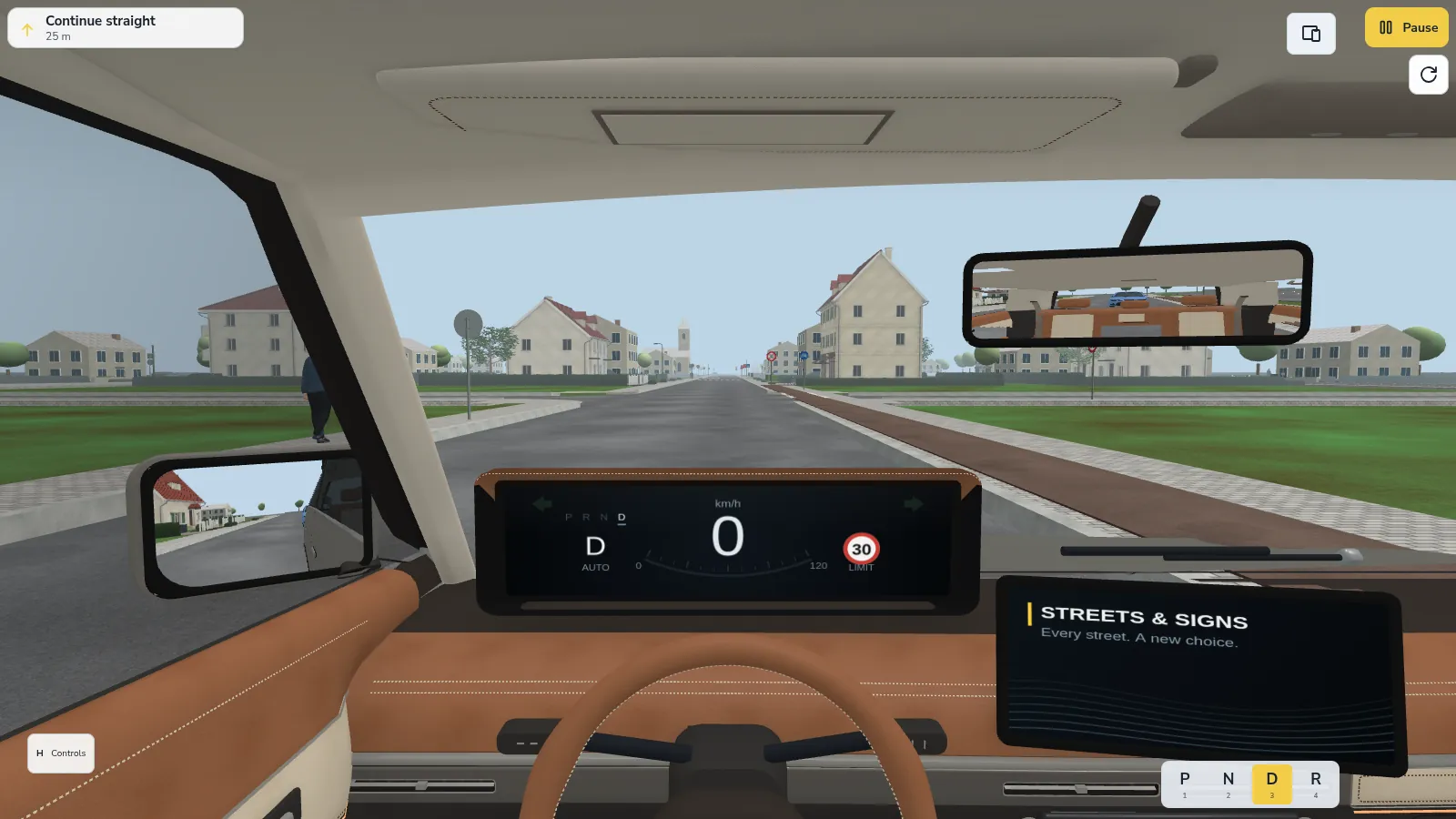
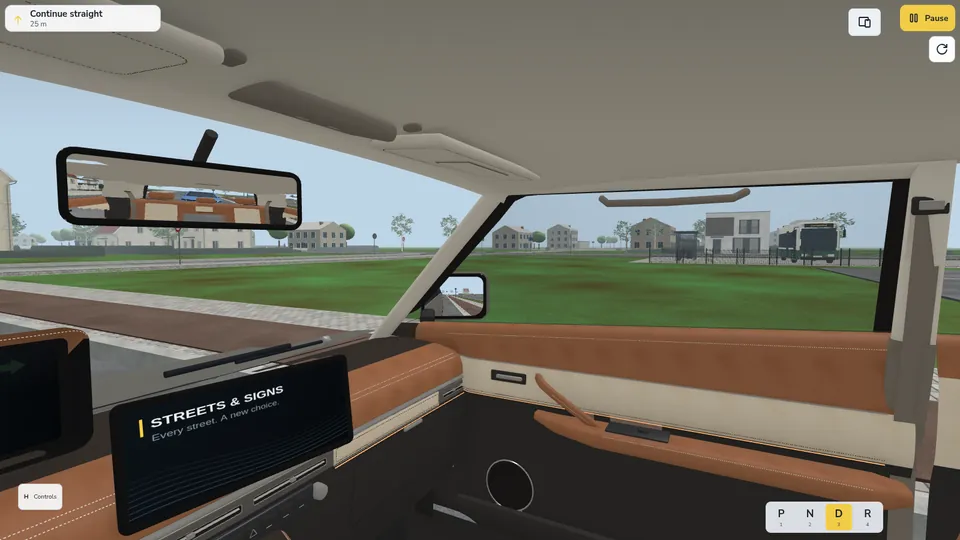
Big screen. Phone controls.
Open the game on your computer and connect your phone for steering, pedals and indicators.
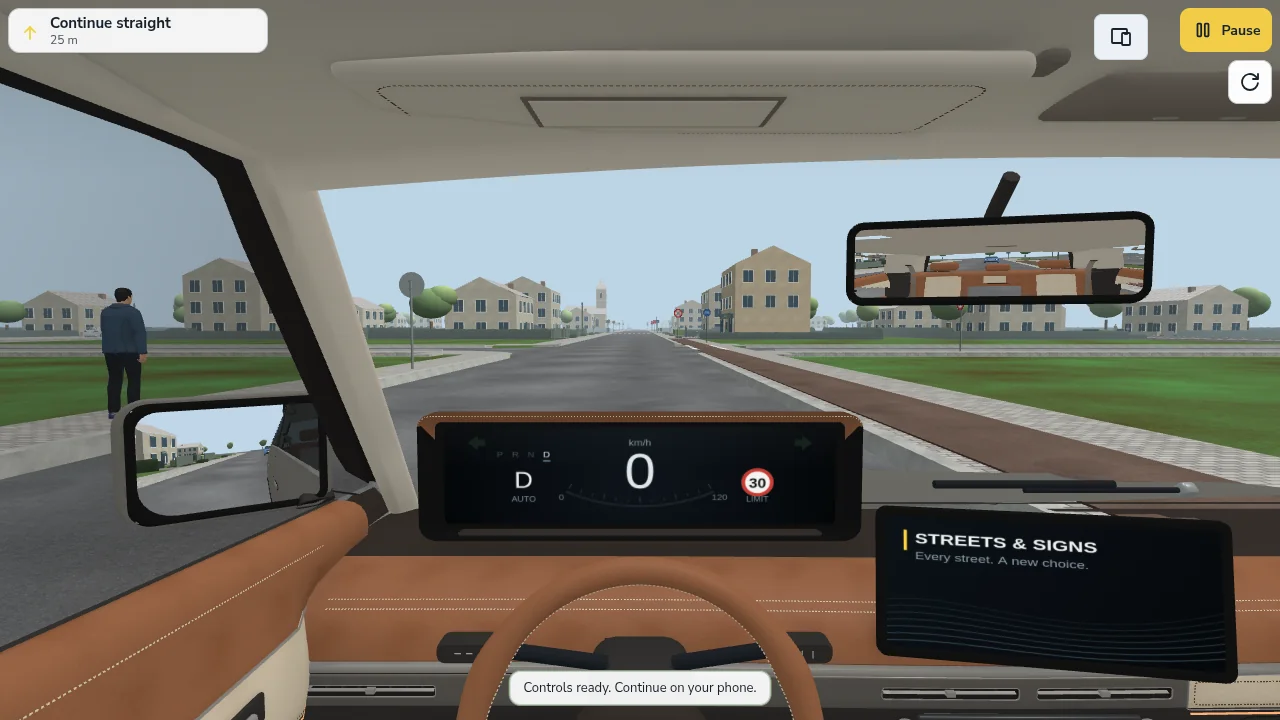
Open the game
Choose “Pair phone” on the game title screen to show a QR code.
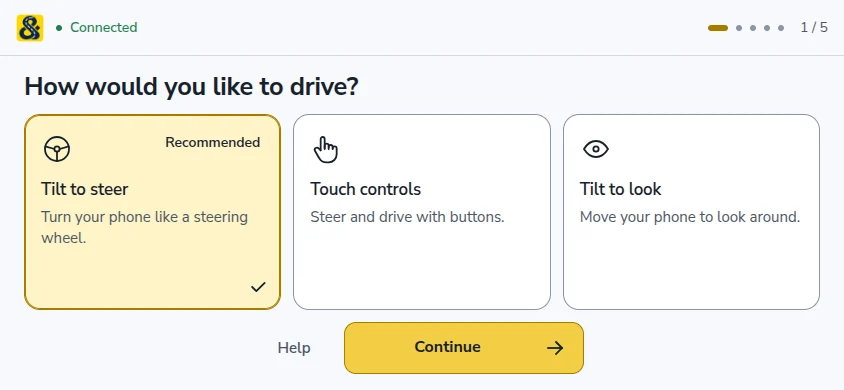
Connect your phone
Scan the code and choose Buttons. Optional tilt controls need compatible motion sensors and setup.
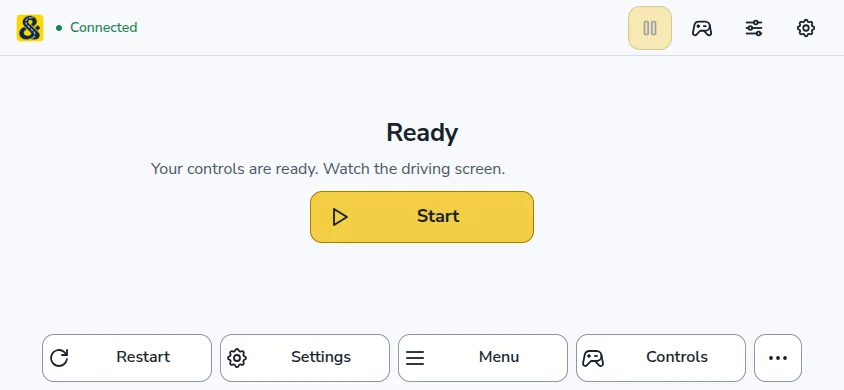
Start when you are ready
Wait for the street and controls to be ready. Press Start on your phone to drive.
Playing on this phone? Use the on-screen controls. To control a computer, open the game there first and scan its QR code.
Three ways to drive
Explore the road, practise situations, and check how you do independently.
See what the game recorded
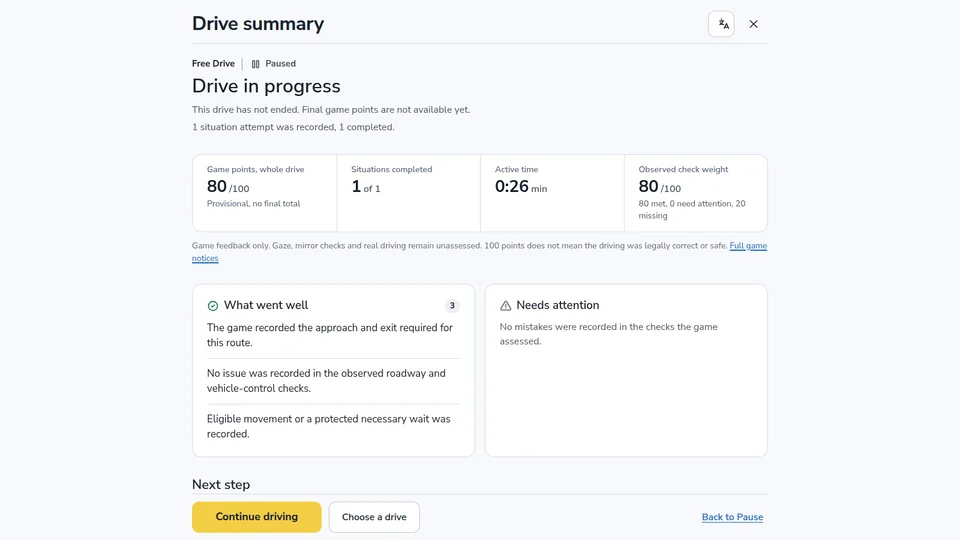
After a drive, the round summary shows recorded game events, points and anything the game could not assess.
- What went well
- Checks the game confirmed during your drive.
- Needs attention
- Recorded events to look at again.
- Not assessed
- What the game could not observe.
Points and feedback describe play within the game only.
Start with the free demo
Play the demo without an account. In the app, sign in with Google and optionally redeem a code for full access.
Free demo
FreeNo account or code needed
- Residential situations covering priority, STOP, crossings and turns
- Free Drive, Practice and Exam Practice with keyboard, touch or a paired phone
- Progress saved in this browser, with backup and recovery options
Full game
- 48 released full-game situations, including streets beyond the residential demo
- Google sign-in to check your account’s access
- A single-use invitation code grants 30 days (720 consecutive hours) from activation
More streets in the full game
Explore the released full-game topics. The free demo stays on the residential streets.
Right before leftNo sign. Right goes first.

Signed priority and give waySign 301, priority at the next junction

STOPSign 206, stop
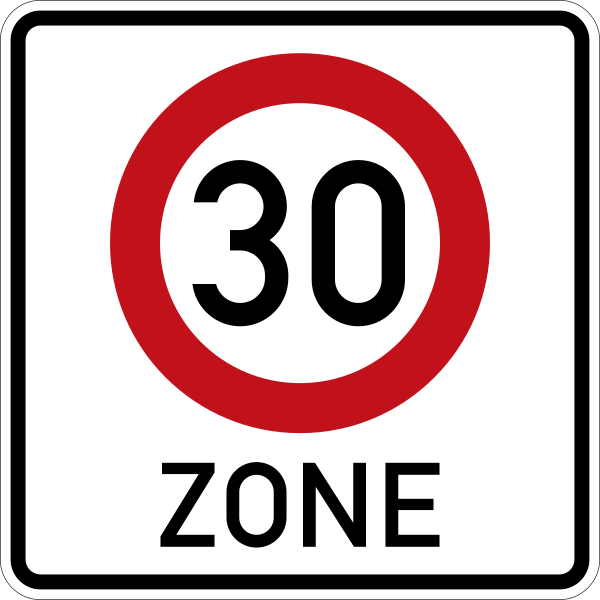
Speed limits and 30 zonesSign 274.1, start of a 30 zone

Children beside the roadSign 136, children
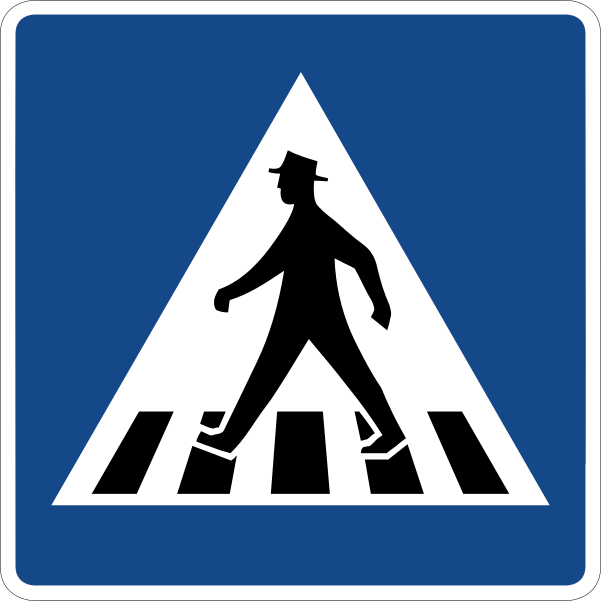
Pedestrian crossingsSign 350, pedestrian crossing
A queue behind the crossingSign 350, pedestrian crossing
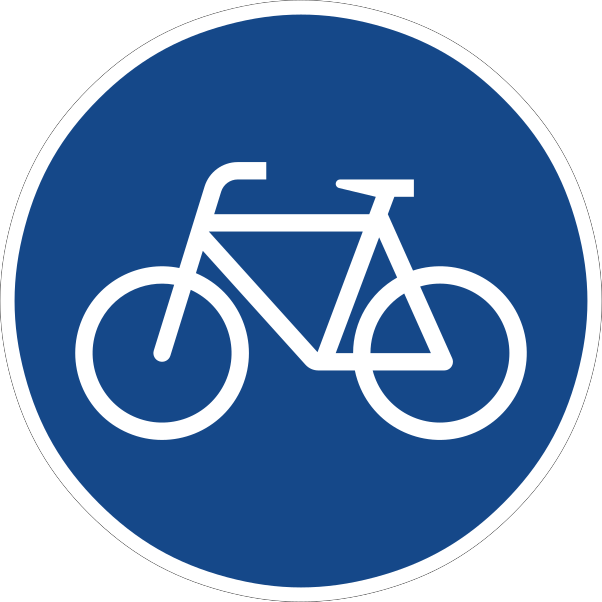
Turning right across a cyclistSign 237, cycle path
Turning left across trafficNo sign. Oncoming traffic first.

RoundaboutsSign 215, roundabout
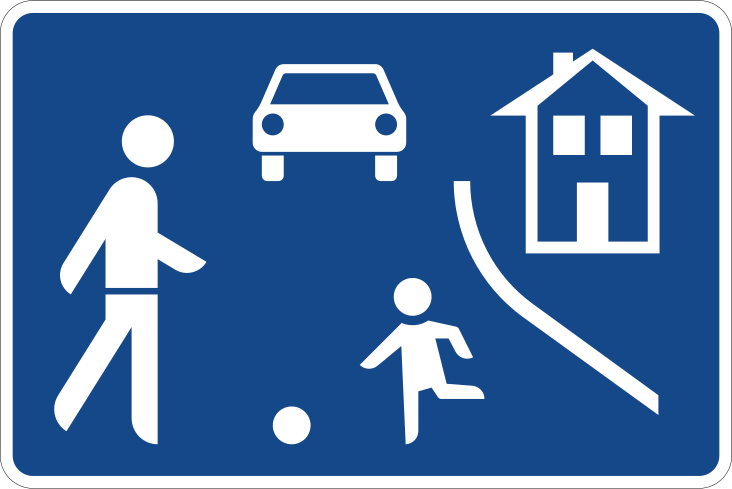
Traffic-calmed shared areasSign 325.1, traffic-calmed area
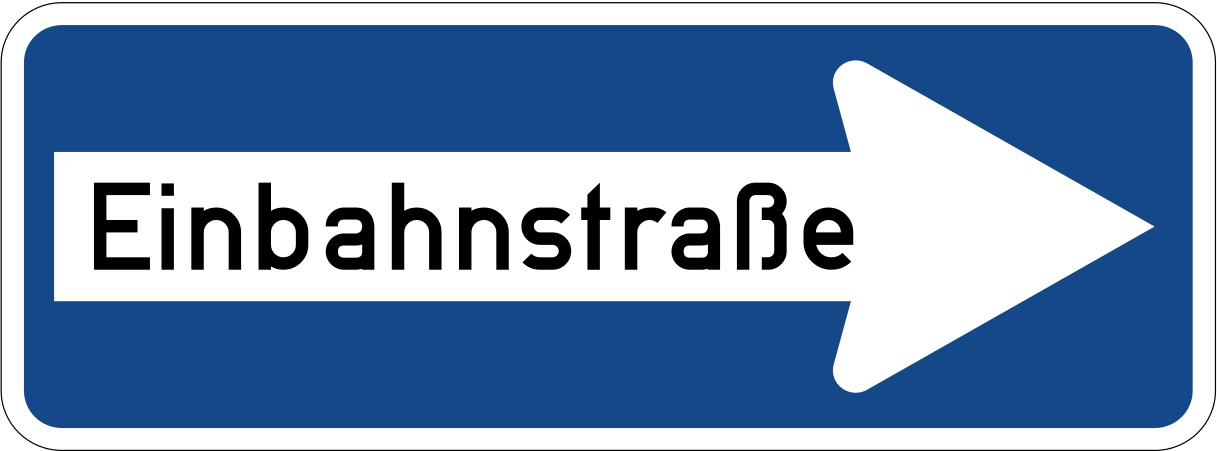
One-way streets and no entrySign 220, one-way street
Passing an obstructionNo sign. Your lane is blocked.
Is this driving instruction?
No. Streets & Signs is a fictional game based on selected German traffic rules. It is not driving instruction or examination preparation. Game results do not assess real driving ability.
Do I need a phone?
No. Use a keyboard or on-screen touch controls. You can also pair a phone to control the game on a computer.
Do I need an account?
No account is needed for the demo. The app uses Google sign-in for free play and optional code-based full access. Each website keeps its own browser history; use backup and recovery to move supported saves.
What does the game need?
A browser with JavaScript and WebGL. Performance varies by device. Optional tilt needs compatible sensors, a secure connection and any required motion permission. You can choose Buttons instead.
What does the game save?
The game uses recorded game events for feedback and saved results. It does not collect camera or microphone recordings. Optional analytics, where enabled, has a separate consent choice.
How does a trial code work?
Sign in with Google and enter your owner-issued invitation code before its redemption deadline. Successful redemption starts 720 consecutive hours of access. A code is single-use, and another code cannot restart or extend the account’s trial. Progress is not deleted when access ends.